
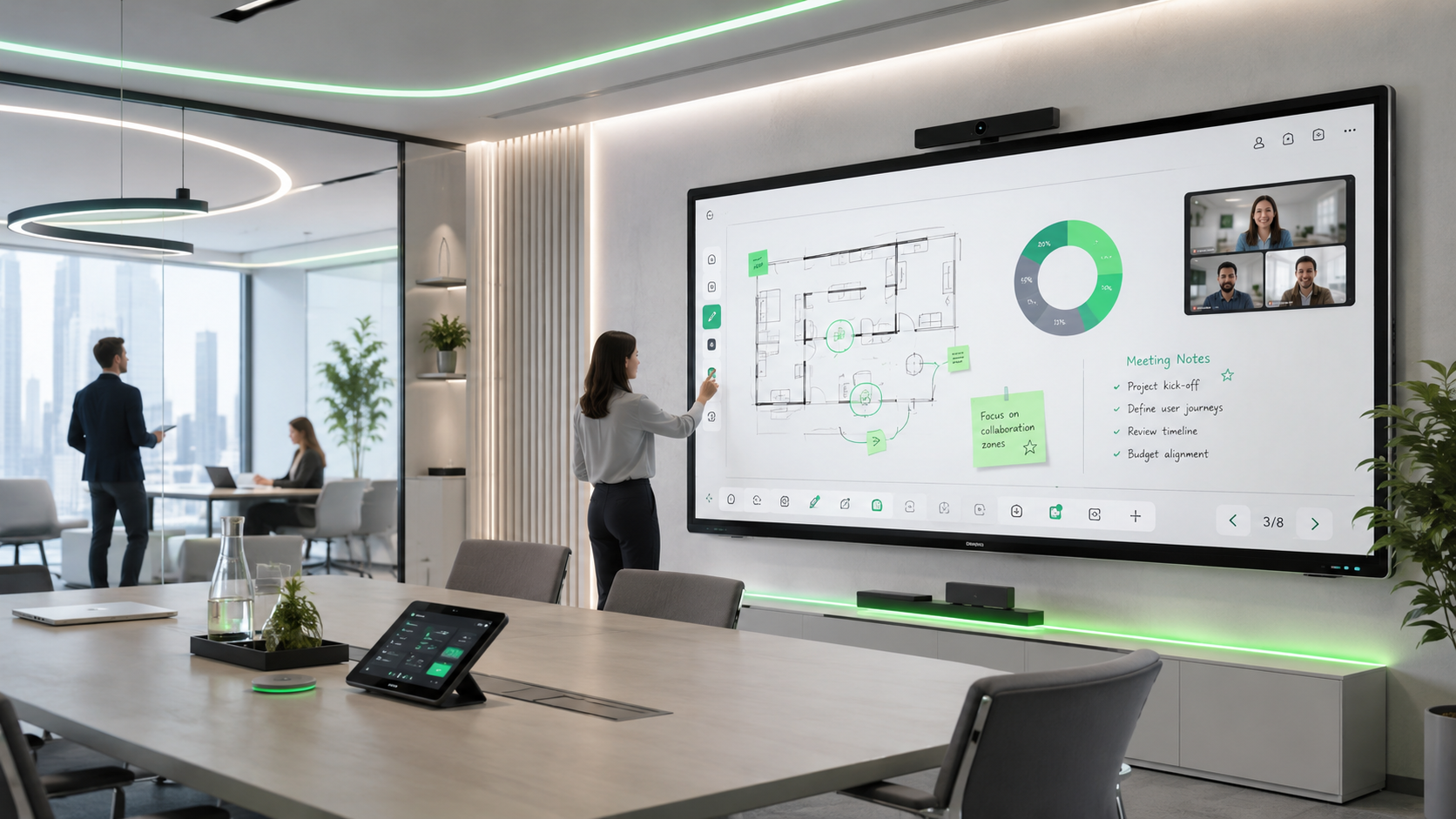
Meetings today are no longer limited to presenting information on a screen. Teams need spaces where ideas can be explored together, remote participants remain involved, and decisions move forward without unnecessary technical friction.
Interactive screens support this shift as part of modern meeting room display solutions. At Maktabi Tech, they are planned within wider meeting room AV solutions, where displays, conferencing, audio, content sharing, and room control work together around the way people actually meet.
So, what are interactive screens, when are they a better fit than standard displays, and what should organizations consider when selecting the right solution? Let us explore.
Smart Interactive Screens
An interactive screen is a touch-enabled digital display that responds to a fingertip or stylus. Unlike a standard display that is mainly used for viewing content, it allows direct interaction with what appears on screen.
This makes it suitable for spaces where users need more than passive viewing, from meeting rooms and training spaces to classrooms and immersive environments.
How Interactive Screens Fit into a Connected Meeting Room
An interactive display becomes more valuable when it fits naturally into the room workflow. Participants should be able to connect quickly, follow the same visual discussion, and include remote attendees without switching between disconnected tools.
When integrated with cameras, microphones, room audio, content sharing, and video conferencing solutions, the display becomes part of a more consistent meeting experience rather than a standalone device.
Available features vary depending on the selected display and the wider system design.
7 Benefits of Interactive Screens in Modern Meeting Rooms
When selected as part of the right meeting room setup, interactive screens can support better meeting outcomes:
- More focused discussions: Teams can bring attention to key information while the conversation is happening.
- Faster alignment: Participants can capture feedback and clarify next steps before the meeting ends.
- Stronger hybrid participation: Shared visual content can help in-room and remote participants follow the same discussion.
- Better workshop productivity: Teams can develop ideas visually during planning sessions and collaborative workshops.
- More flexible room use: The same space can support internal meetings, training sessions, workshops, and client presentations.
- Simpler user experience: A well-integrated display can reduce unnecessary steps when starting or running a meeting.
- More confident decision-making: Teams can review information together and move forward with a clearer shared understanding.
Interactive Screens vs. Display Screens: Which One Does Your Space Need?
Not every room requires an interactive screen. In some spaces, a standard display screen is exactly what users need: clear visual output for presentations, video conferencing, dashboards, or shared content. In other environments, teams need to work directly with information on screen, develop ideas together, or lead more hands-on sessions.
Display Screens
A standard display may be the right choice for spaces mainly used for presenting information, hosting video meetings, viewing dashboards, or displaying visual content. It can provide a simple and reliable viewing experience without adding functionality the users may not need.
Interactive Screens
An interactive screen may be more suitable for spaces where users need to engage directly with content, such as collaborative workshops, training sessions, strategy meetings, design reviews, or interactive learning environments. It gives participants a more active role in the session rather than limiting the screen to viewing only.
So, Which One Is Right for You?
The right display depends on the purpose of the room, the type of meetings or sessions it supports, the number of users, the required level of interaction, and how the screen needs to integrate with the wider AV environment.
A meeting room used mainly for video calls may require a different display setup from a training room, command center, experience center, or collaborative workshop space. This is why display selection should begin with the needs of the space, not with the technology alone.
Applications of Smart Interactive Screens
Meeting Rooms and Workplaces
In meeting rooms and workplace environments, interactive screens can support strategy sessions, project reviews, hybrid meetings, and collaborative workshops. They help teams examine information together, capture input during discussions, and move from conversation to action more efficiently.
Education and Training Spaces
In education and training environments, interactive screens can support visual explanation, group participation, and more engaging training sessions. Educators and trainers can use them to guide activities, explain complex ideas, and create more involved learning experiences.
Command Centers and Control Rooms
In command centers and control rooms, interactive displays can form part of wider control room display systems that support operational briefings, scenario reviews, and collaborative discussions around critical visual information. As part of control room AV integration solutions, the selected display must align with the environment’s reliability, security, visibility, and operational requirements.
Healthcare Environments
In healthcare environments, interactive screens can support training rooms, staff briefings, meeting spaces, and the review of visual information where appropriate privacy and security requirements are in place. The focus is not simply on the display but on creating a clear and dependable environment for communication and coordination.
Hospitality Spaces
In hospitality environments, interactive screens can help create more engaging guest-facing or operational experiences, from interactive information points and event spaces to meeting facilities within hotels and venues. The right solution should support both ease of use and the overall experience of the space.
Innovation Hubs and Experience Centers
In innovation hubs and experience centers, interactive screens can invite visitors to explore content, discover ideas, and engage with digital stories in a more immersive way. When integrated with the wider AV environment, they become part of a connected experience rather than a standalone device.
How Do You Choose the Right Interactive Screen for Your Space?
Choosing the right interactive display is not about selecting the largest screen or the longest list of features. It starts with understanding the purpose of the room, the people using it, and the systems the display needs to work with.
- Screen Size and Viewing Distance: The display should be easy to view from every relevant position in the room. A screen that is too small can make detailed content difficult to follow, while an oversized screen may overwhelm a compact space.
- Resolution and Visual Clarity: For larger rooms or spaces where users review detailed presentations, dashboards, drawings, or visual content, 4K resolution can provide clearer viewing. The right resolution should match the screen size, viewing distance, and type of content being displayed.
- Connectivity and Content Access: Consider how users will connect their devices and access content during a meeting or session. Connections such as USB-C and HDMI, alongside suitable wireless sharing options, can help users present content with fewer unnecessary steps.
- Touch Experience: Touch responsiveness and multi-touch capability matter in spaces designed for workshops, brainstorming sessions, and interactive training. The right capability depends on how many users are expected to engage with the display and how the room will be used.
- Hybrid Meeting Compatibility: For rooms that support remote participation, the display should work effectively with cameras, microphones, room audio, and the selected conferencing platform. This helps ensure that remote participants can remain part of the visual discussion.
- Network and Security Requirements: Wireless connectivity, cloud-based applications, sign-in processes, and content access should align with the organization’s IT and security policies. This is especially important in corporate, government, and operational environments.
- Ease of Use: A display may offer advanced capabilities, but the experience still needs to be simple for everyday users. Clear controls and a straightforward interface can reduce meeting delays and encourage teams to use the technology confidently.
- Integration, Maintenance, and Long-Term Support: The interactive screen should be considered within the full AV environment, including audio, conferencing, control systems, installation requirements, and ongoing support. A properly integrated solution is easier to operate, maintain, and scale as the organization’s needs evolve.
Conclusion
Choosing the right display is not about selecting an interactive screen by default. Some spaces may benefit from hands-on interaction and collaborative use, while others may be better served by a standard display, a large-format visualization system, or another screen configuration designed around the room’s purpose.
At MaktabiTech, our experts begin by understanding how your people meet, present, collaborate, and use the space. From selecting the right display technology to room design, AV integration, installation, maintenance, and post-installation support, we help create a solution that fits your operational needs and delivers a reliable user experience.
WANT TO MOVE TO
THE NEXT LEVEL?
We’re always open to new opportunities and partnerships. Tell us more about your opportunity or big idea!